Unboxed: YouTube Advertising (In-Stream Ads)

YouTube in-stream Ads - ProgrammaticSoup

YouTube is without a doubt one of the largest platforms that we can use to reach our target audience. While TikTok has steadily risen in watch time in the US, YouTube continues to be a key channel for marketers with users watching it more than ever in this pandemic.

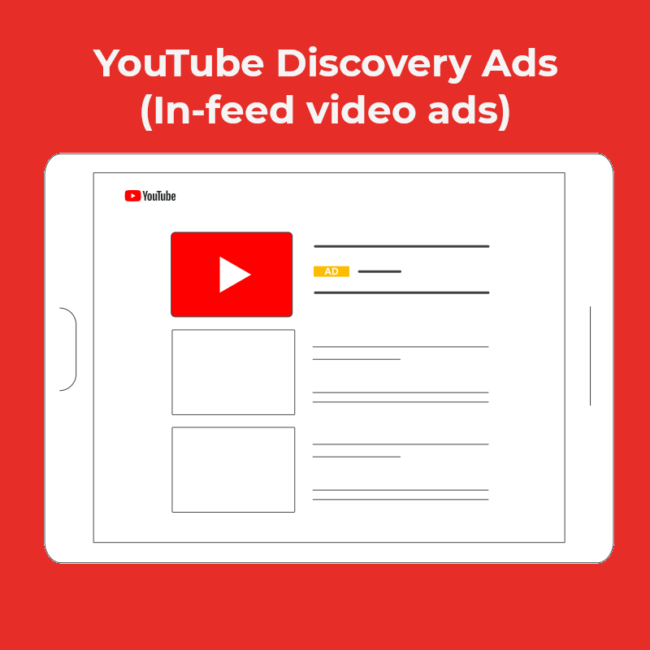
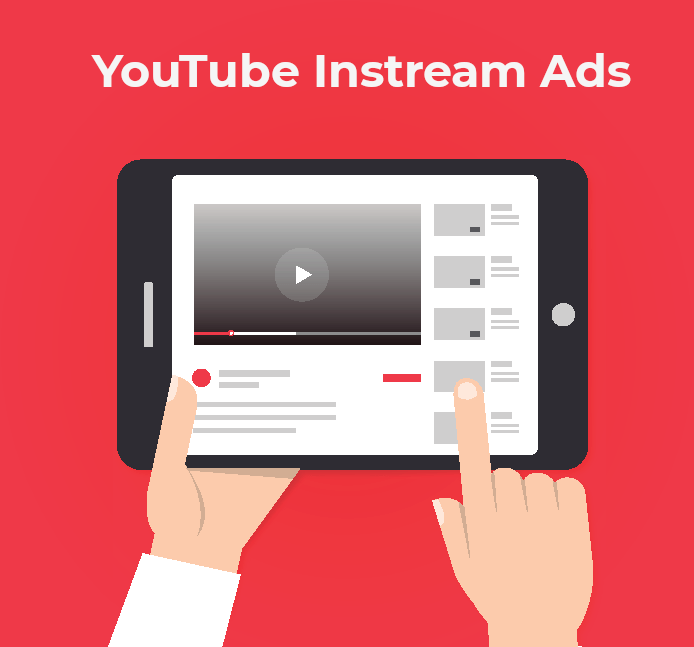
So how then do we get in on the action and what can it be used for? Cue in-stream ads, the most common type of inventory that you can buy on YouTube!

In-stream ads can serve before a video (pre-roll), during a video at a pre-determined timeslot (mid-roll), or when the video ends (post-roll). YouTube inventory can only be bought on Google Ads, DV360 or via direct reservation (from Google or from publishers). All other methods would involve a reseller using one of these channels.

We will be introducing various types of in-stream ads and their cost models on YouTube. Read on to find out more.

Unboxed: Debunking Viewability Myths

In 2020, eMarketer reported $378.16 billion in digital ad spend globally despite the pandemic. In this massive market, advertisers are constantly trying to get users’ attention every single time, but how do they determine whether their ads can be seen? We are a deep-dive on this fundamental metric: viewability.

The term viewability was coined at least nine years ago. While the standardisation of what constitutes “a view” was a game-changer to the advertising industry, it also resulted in many varying interpretations and inconsistencies.

In this post, we hope to debunk viewability myths and explore how to be more accurate in reporting viewability for a campaign.

How-to: Set up campaign in TTD (Solimar Edition)

Previously, we posted a guide to set up campaign in TTD – the classic edition. As TTD has recently released a new platform experience named Solimar, we have written an updated guide to walk you through on how to set up campaign on The Trade Desk (Solimar edition). Solimar aims to help marketers prepare for a new age of digital advertising around these three areas:

Setting business goals right at the start
Activate first-party data easily
Measure impact of campaigns effectively

This article will not be a “sales pitch” on Solimar; instead, we will show the changes in the user interface and bring through the new campaign setup flow.

Read on to find out what are the differences between Solimar and the legacy edition, as well as the step-by-step guide on creating your first campaign on TTD.

How to: Set up campaign in The Trade Desk

Today, we will be exploring how to set up campaign in another popular DSP – The Trade Desk, aka TTD. TTD is one of the biggest independent DSP. This means that big tech companies do not own TTD, unlike its competitors like DV360 (Google), Xandr (AT&T), Amazon DSP (Amazon), or Amobee (Singtel).

While being a pureplay may seem to put TTD at a disadvantage with the lack of Owned & Operated (O&O) data or inventory, it compensates through best-in-class integration and adoption of the latest and emerging Programmatic technology. We will be exploring the differences between DV360 and TTD in another post, but in the meantime, let’s dig into how a campaign is set up within TTD!

Read on to find out more.

How-to: Set up campaign in DV360

Display & Video 360 aka DV360 is Google’s Demand Side Platform (DSP), which is a part of the suite of Google Marketing Platform (GMP) products. If you’re new to programmatic, you’ll find that there are a lot of acronyms in a sentence, but don’t worry about it now. Hopefully, you will get used to it as there will be more to come in this handy guide to campaign setup in DV360.

There are basically 7 levels which we will be going through:
1) Partner
2) Advertiser
3) Campaign
4) Insertion Order (IO)
5) Line Item (LI)
6) Ad Group
7) Ad/Creative

Read on to find out more on how to set up correctly on DV360!

Useful Browser Extensions for Digital Marketers

Extensions are part and parcel of ad operations. Be it whether you are from buy-side, sell-side or even search and social, these extensions might come in handy in terms enabling you to be more efficient. Don’t you love it when you’re able save some time on your tasks? Even if it’s by a small fraction, a few minutes here and there do multiply. You could have more coffee breaks instead, which is nice to have as a perk-me-up after looking at dozens of Excel files.

We will evaluate and review these extensions regardless of role functions. These extensions could be for programmatic buy-side, sell-side operations or even media planners. Search and social specialists may find them useful too. We will elaborate more in detail on each extension covered in this list. We’ll look at 3 dimensions:

Productivity: in terms of time saving and effort required
Usability: ease of use and usefulness
Reliability: how reliable would the tool be – whether we can trust the information derived from the extension, or if it breaks easily

How to choose the right bid strategy in DV360

Having the right bid strategy can often make or break a campaign’s performance and the time you will need to spend on a campaign.

Now, let us dig into the different bid types available in DV360. There are 3 main bid types:
Manual Bidding (fixed value)
Automated Bidding (Combine Manual Bidding, Google’s Dataset and Machine Learning)
Custom Bidding (optimise for whatever use cases outside automated bidding)

Unboxed: Programmatic Inventory Types

Buying media “programmatically” involves an aspect that is unique to its field where we are able to transact media in different ways. Understanding different ways of transacting media, or as we call “inventory types”, help us to become smarter about how we can maximise value from programmatic buys. Being able to grasp this concept is also critical to help us learn to optimise our supply paths.

Types of Audience Data in Programmatic (1st, 2nd & 3rd Party)

Programmatic has been around since early 2000, but it is only in recent years when digital marketers have begun to turn to it to increase their efficiency of buying advertising spaces online. During the early months of COVID-19 pandemic where many were staying in their homes, brands saw the importance of marketing automation as consumers have been shifting their purchases online.